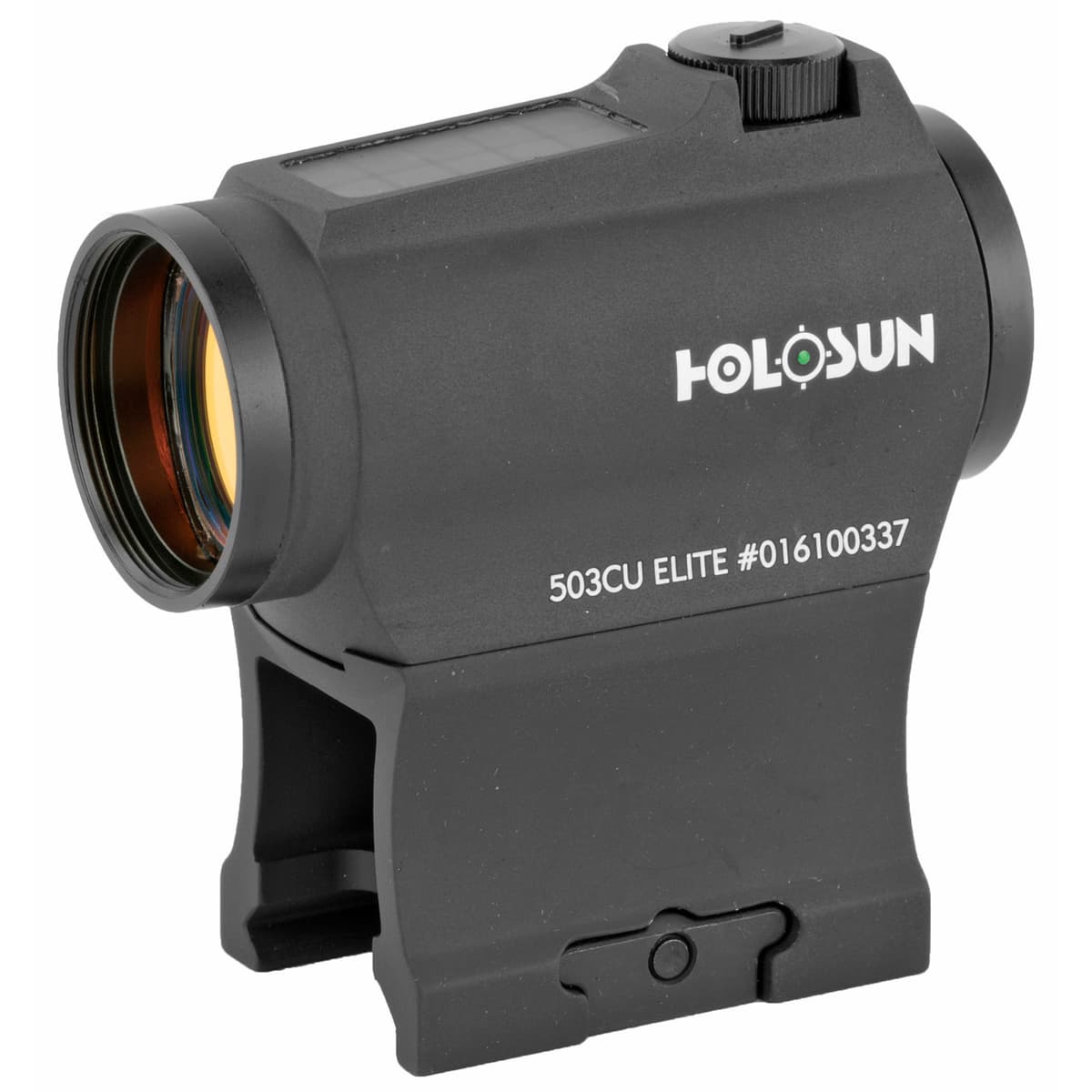
Holosun HE503CU-GR Elite
20mm tube micro red dot with green multi-reticle, solar failsafe, and 50,000 hour battery life
- Price
- $341
- Weight
- 3 oz
- Brand
- Holosun
- Category
- Optics
Featured in

Features
- •2 MOA dot + 65 MOA circle
- •Solar + CR2032
- •50,000 hour battery
- •Tube design with co-witness mount
Capability Boosts
Recommended For
+24 more
More optics guides & articles
Guides

Overview
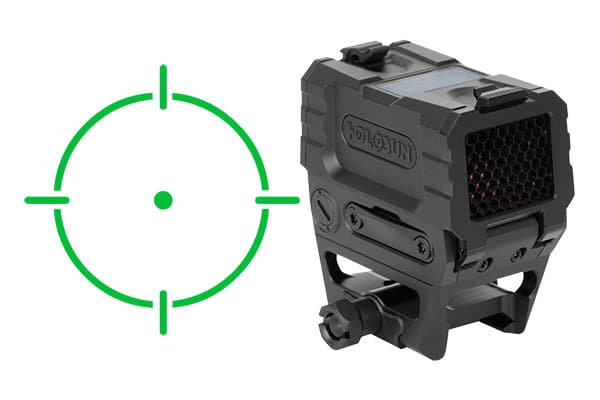
The Holosun HE503CU-GR Elite is the green-LED tube version of Holosun's value micro red dot family. The 20mm tube form factor matches the Aimpoint Micro T-2 footprint and accepts the entire Aimpoint Micro mount ecosystem.
The reticle is a switchable green 2 MOA dot, 65 MOA ring, or both combined. The 65 MOA ring brackets a man-sized target at CQB distance for fast acquisition; the 2 MOA dot handles precision out to 200+ yards. CR2032 battery life runs 50,000 hours at moderate brightness, supplemented by the solar panel for extended use during daytime operation.
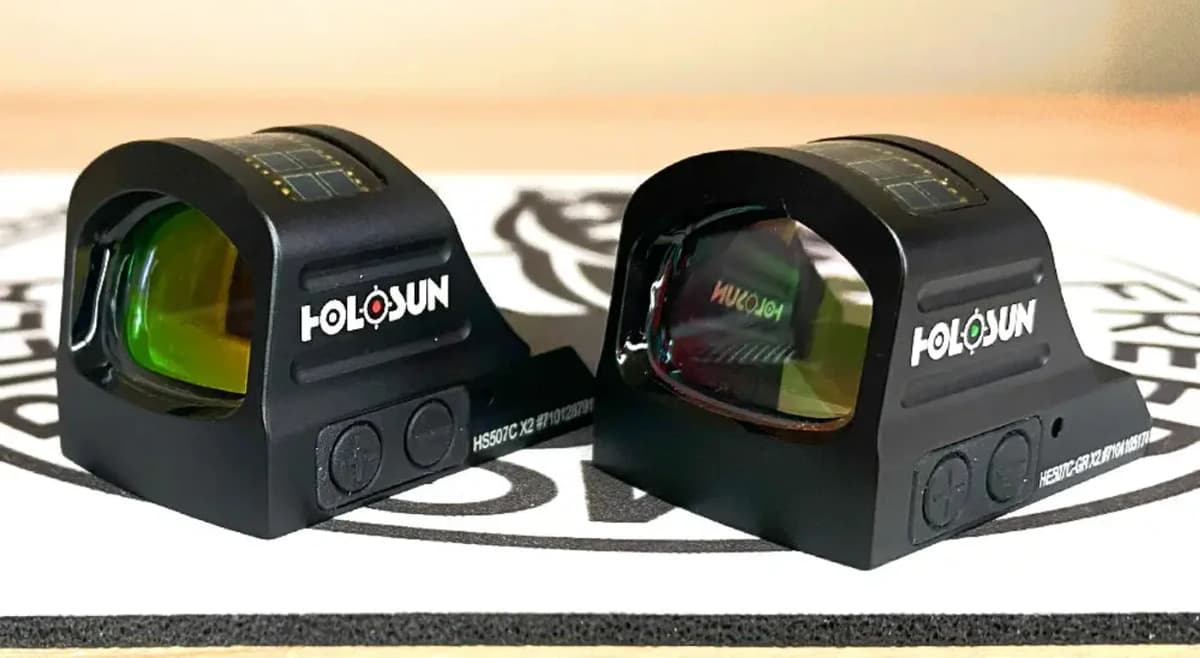
Compared with the open-emitter HE510C-GR (large window, lighter), the 503CU is the closed-tube option for shooters who want T-2 form factor and Aimpoint Micro mount compatibility at half the price. Trade-offs: smaller window than the 510C, no titanium hood, and the same long-term durability questions that apply to all Holosun optics relative to Aimpoint or Trijicon. Includes both lower-1/3 (1.63") and low (.75") co-witness mounts in the box.
Key Features
- Switchable green 2 MOA dot, 65 MOA ring, or combined reticle
- Solar failsafe supplements 50,000-hour CR2032 battery
- 20mm tube form factor compatible with Aimpoint Micro mounts
- Shake Awake motion-activated power management
- 12 brightness settings (10 daylight, 2 night vision compatible)
- Includes both lower-1/3 (1.63") and low (.75") mounts
Pros
- +Green LED is easier on the eye than red for most shooters
- +Switchable reticle covers CQB and precision in one optic
- +Solar plus CR2032 dual power eliminates battery anxiety
- +Aimpoint Micro mount compatibility (T-1, T-2, Comp M5)
- +Includes both lower-1/3 and low mounts in the box
Cons
- −Smaller window than open-emitter alternatives like the HE510C-GR
- −6061 aluminum housing is a step down from premium 7075
- −Holosun warranty service slower than Aimpoint or Trijicon
- −Side-loaded battery requires tilting the optic for access
Setup & Operation
Step-by-step procedures for setting up, operating, and maintaining the Holosun HE503CU-GR Elite.
Mount the HE503CU-GR and Torque the Clamp
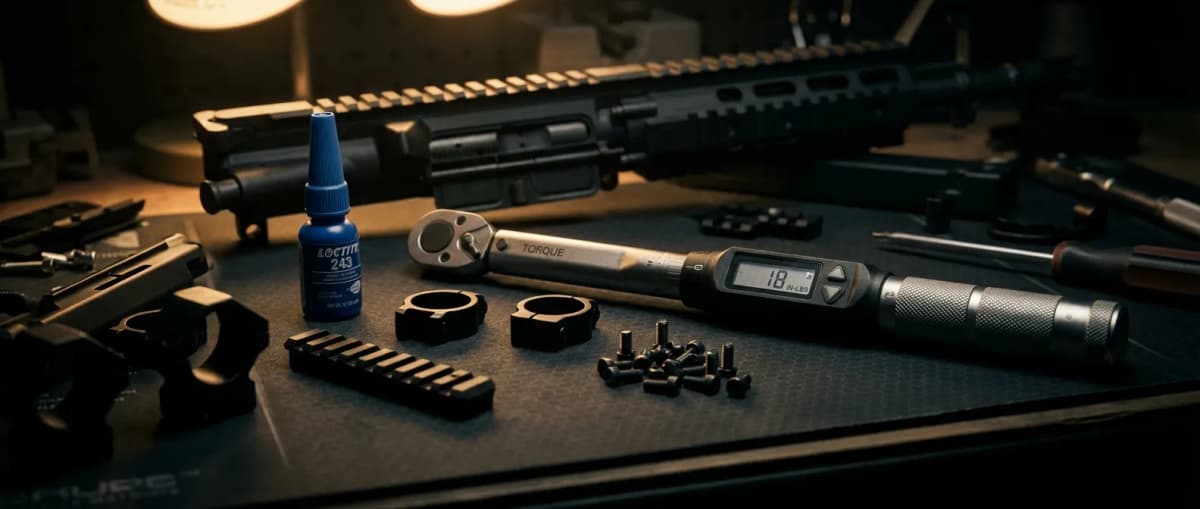
The 503C-U clamps with one Torx screw pulling a cross bolt into the rail slot, and Holosun publishes a real number for it: 1.7 Nm, about 15 inch-pounds. The included Torx wrench turns the screw but measures nothing, so a Torx bit in a torque driver is the only way to actually land on the spec.
Holosun supplies a Picatinny mount with the sight. Unload the firearm and engage the safety before the optic goes near it, which is the first caution in the manual.
- • Included Torx wrench, or a Torx bit and a torque driver that reads 1.7 Nm
- • Cleared, unloaded firearm
- 01
Loosen the Torx screw
Take the included Torx wrench and back the Torx screw out until the cross bolt clears enough for the mount to drop over the rail.
- 02
Seat the mount on the rail
Set the mount on the Picatinny rail so it sits properly and the cross bolt drops into a slot. Holosun's instruction is that the mount has to be installed properly on the rail before anything gets tightened.
- 03
Torque the screw to 1.7 Nm
Tighten the Torx screw to Holosun's stated 1.7 Nm, about 15 inch-pounds. Under that figure the clamp walks under recoil; over it you are deforming a small screw in an aluminum mount.
- 04
Confirm the clamp before you shoot it
Grab the sight and try to rock it on the rail. Any perceptible movement means the screw is under spec. Re-check it after the first range session, since a fresh clamp settles.
For mounting, dismantling, or maintenance the firearm must be unloaded and the safety engaged. Holosun puts that ahead of every other instruction in the manual.
Install the CR2032 Battery
The cell lives in a side tray held by two screws, so a battery change never breaks the mount and never costs you zero. One CR2032 ships taped to the second page of the manual itself, which is easy to throw out with the box.
Runtime depends on which reticle you run. Holosun rates the 503C-U at 50,000 hours on one cell with the dot alone at brightness setting 6, and 20,000 hours with the circle dot lit. Lighting the 65 MOA ring costs you more than half the rated life, which is the number to plan a battery interval around.
- • Included Torx tool
- • One CR2032 3V lithium battery
- • Cleared, unloaded firearm
- 01
Remove the two tray screws
Use the included tool to back out the two screws on the side of the battery compartment.
- 02
Pull the tray
Slide the tool into the slot in the tray and use it to draw the tray and the old cell out of the housing.
- 03
Seat the new cell to the marked polarity
Drop a fresh CR2032 into the tray following the polarity marked in the compartment, and check the o-ring for cuts or grit while the tray is out. That seal is what backs the IP67 rating and the nitrogen fill.
- 04
Reinstall and tighten
Push the tray back into its original position and tighten both screws with the tool.
Use CR2032 cells only. Holosun's battery warning is the standard one: do not short circuit the cell, do not swallow it, and do not throw it into fire.
Zero the HE503CU-GR
Elevation sits on top of the sight and windage on the right side, both slotted screws under protective caps. The cap doubles as the tool: seat the slot type cap on the slotted screw and turn. Each click is 0.5 MOA, which the manual states as 14.5 mm at 100 meters, and total travel is plus or minus 1.4 m at 100 meters, or plus or minus 50 MOA.
Both axes run the opposite of rifle scope habit. Clockwise on the elevation screw lowers point of impact, and clockwise on the windage screw moves it left.
- • The sight's own protective cap, which doubles as the adjustment tool
- • Zeroing target
- 01
Set up the tool
Pull the protective cap off the screw you are adjusting and position the slot type cap on the slotted screw. Each click left or right is 0.5 MOA.
- 02
Correct elevation
Turn the elevation screw on top counterclockwise to raise point of impact and clockwise to lower it. At 50 yards a 0.5 MOA click is about 1/4 inch, so a group printing 2 inches low takes 8 clicks counterclockwise.
- 03
Correct windage
Turn the windage screw on the right side counterclockwise to move point of impact right and clockwise to move it left.
- 04
Confirm and reseal
Fire another group, repeat until it centers on point of aim, then press both protective caps back on. They are part of the IP67 seal, not dust covers.
If a screw will not rotate further you have reached the plus or minus 50 MOA adjustment limit. Holosun's caution is that over rotation can damage the sight. Running out of travel before you reach zero points at a rail or mount that is not square to the bore.
Switch the Reticle and Manage Power
Two buttons on top of the sight run everything. A single press of "+" or "-" powers the sight on in auto mode, the standard mode, where the solar cell sets reticle intensity from surrounding light and falls back to the battery when there is not enough of it. Manual brightness runs 12 settings, 10 for daylight and 2 for night vision devices, out of 13 positions counting off.
The green reticle switches between the 2 MOA dot and the 65 MOA circle dot by holding "-" for 3 seconds. Auto shutoff on this model is fixed at 8 hours of no movement; the manual documents no programmable delay for the 503C-U the way it does for the 512C.
- 01
Power on
Press "+" or "-" once. The sight comes up in auto mode, where the solar cell sets reticle brightness from the surrounding light.
- 02
Adjust brightness manually
Each press of "+" raises the brightness one level and each press of "-" lowers it. There are 12 settings: 10 for daylight and 2 for night vision devices.
- 03
Switch the reticle
Hold "-" for 3 seconds to change between the 2 MOA dot and the 65 MOA circle dot.
- 04
Power off by hand
Press "+" and "-" simultaneously. Left alone, the sight sleeps on its own after 8 hours without movement and comes back on any motion or button press.
Running the circle dot instead of the dot alone cuts rated runtime from 50,000 hours to 20,000 at brightness setting 6.
Detailed Specifications
- Reticle
- 2 MOA dot / 65 MOA ring / both, switchable green LED
- Magnification
- 1x
- Battery Type
- CR2032 with solar failsafe
- Battery Life
- 50,000 hours
- nightVisionCompatible
- Yes (2 NV settings)
- weight
- 3.0 oz (sight only)
- Length
- 2.5 inches
- width
- 1.4 inches
- height
- 2.7 inches
- Adjustment Type
- 0.5 MOA per click
- Material
- 6061 aluminum, hard anodized
- Mount Type
- 20mm tube (Aimpoint Micro footprint)
- countryOfOrigin
- China
Video Reviews
Pairs Well With
Top matches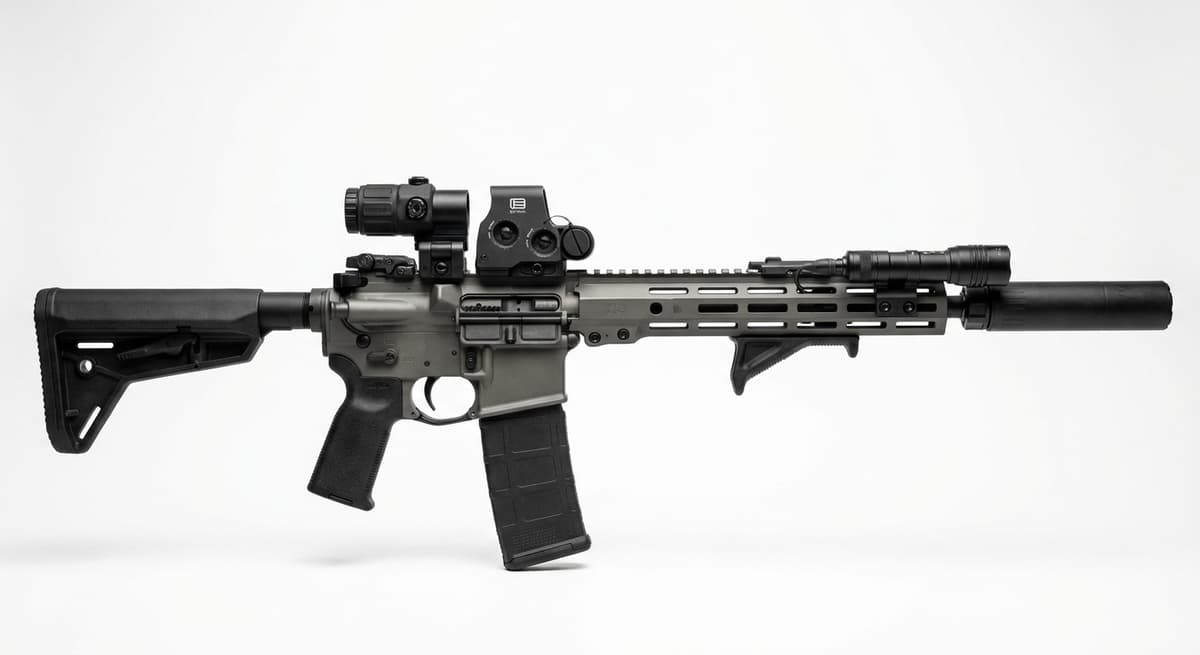
Custom
Custom AR-15 (Build From Scratch)
1 shared compatibility tags
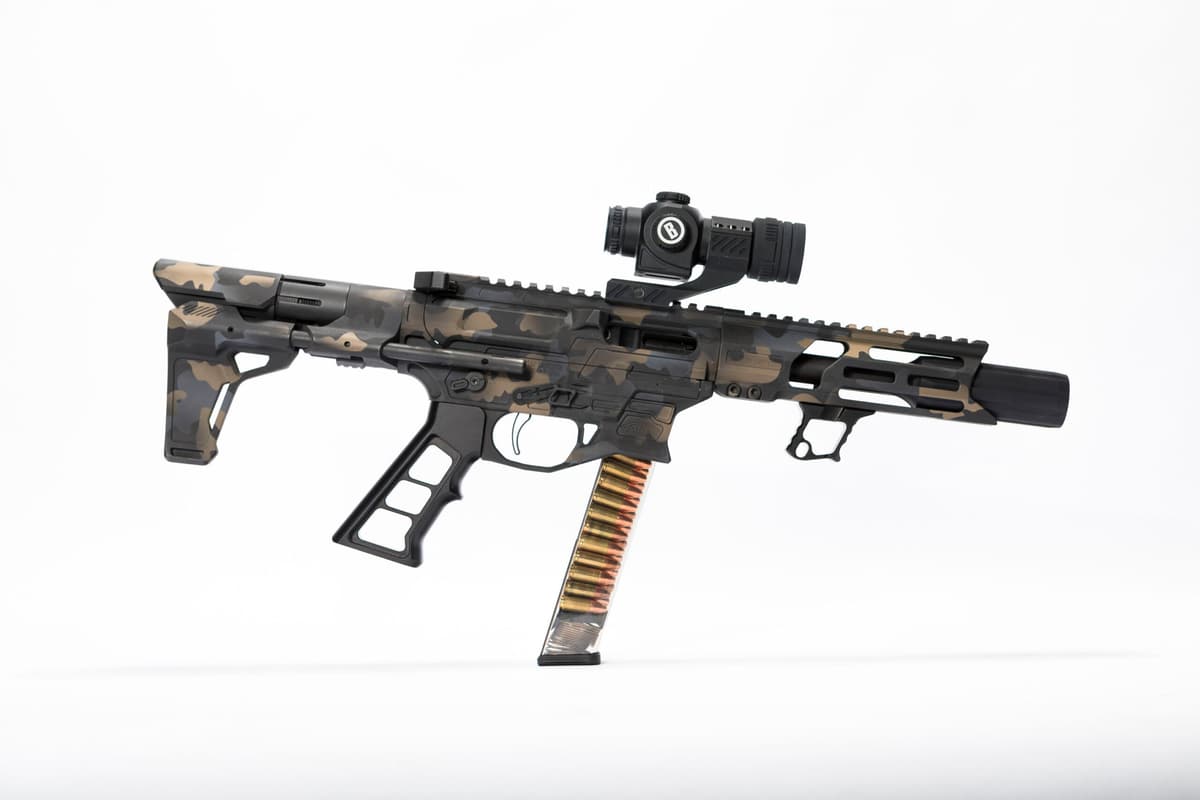
Custom
Custom AR-9 (Build From Scratch)
1 shared compatibility tags
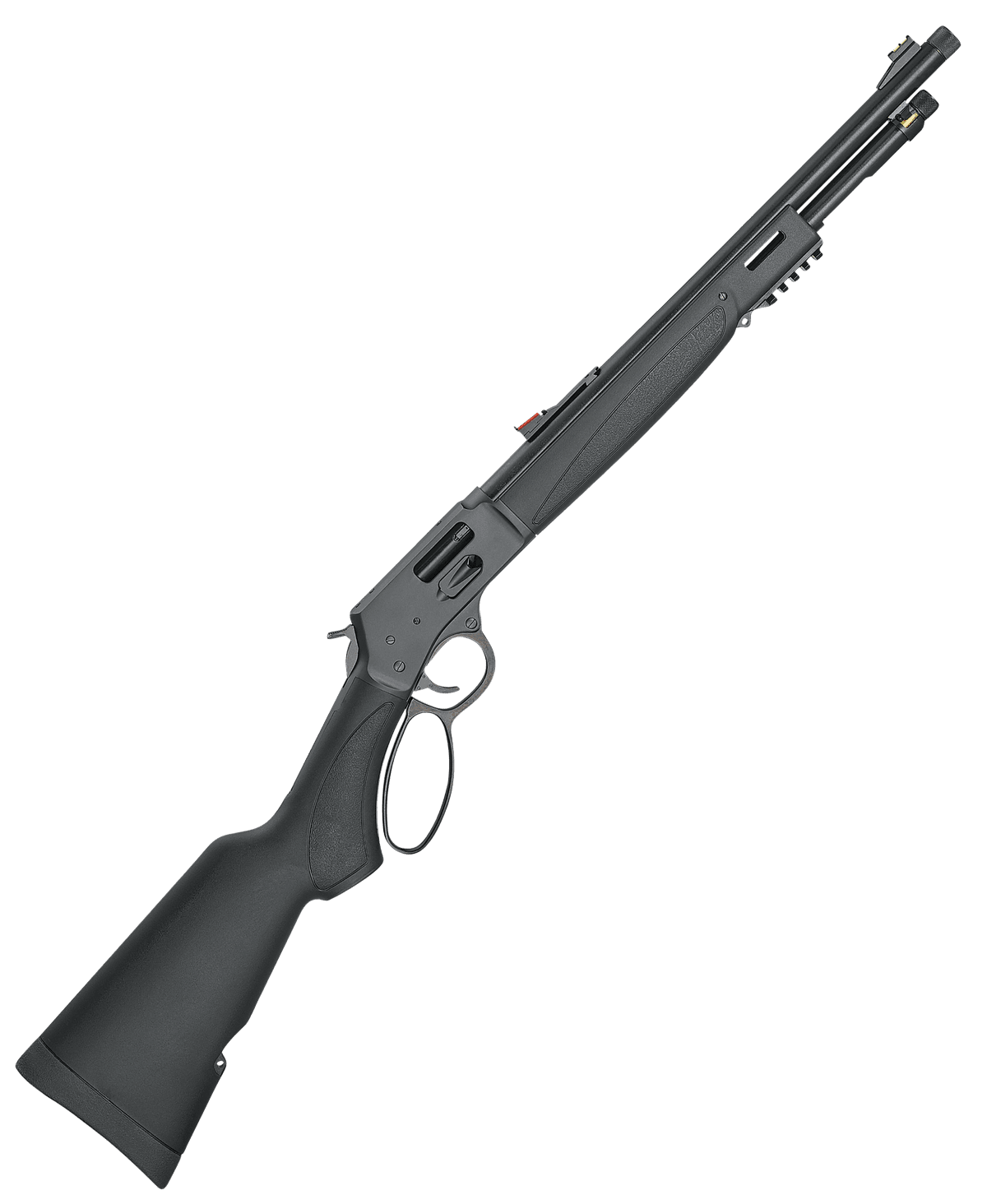
Henry Repeating Arms
Henry Big Boy X Model (.357 Magnum)
1 shared compatibility tags
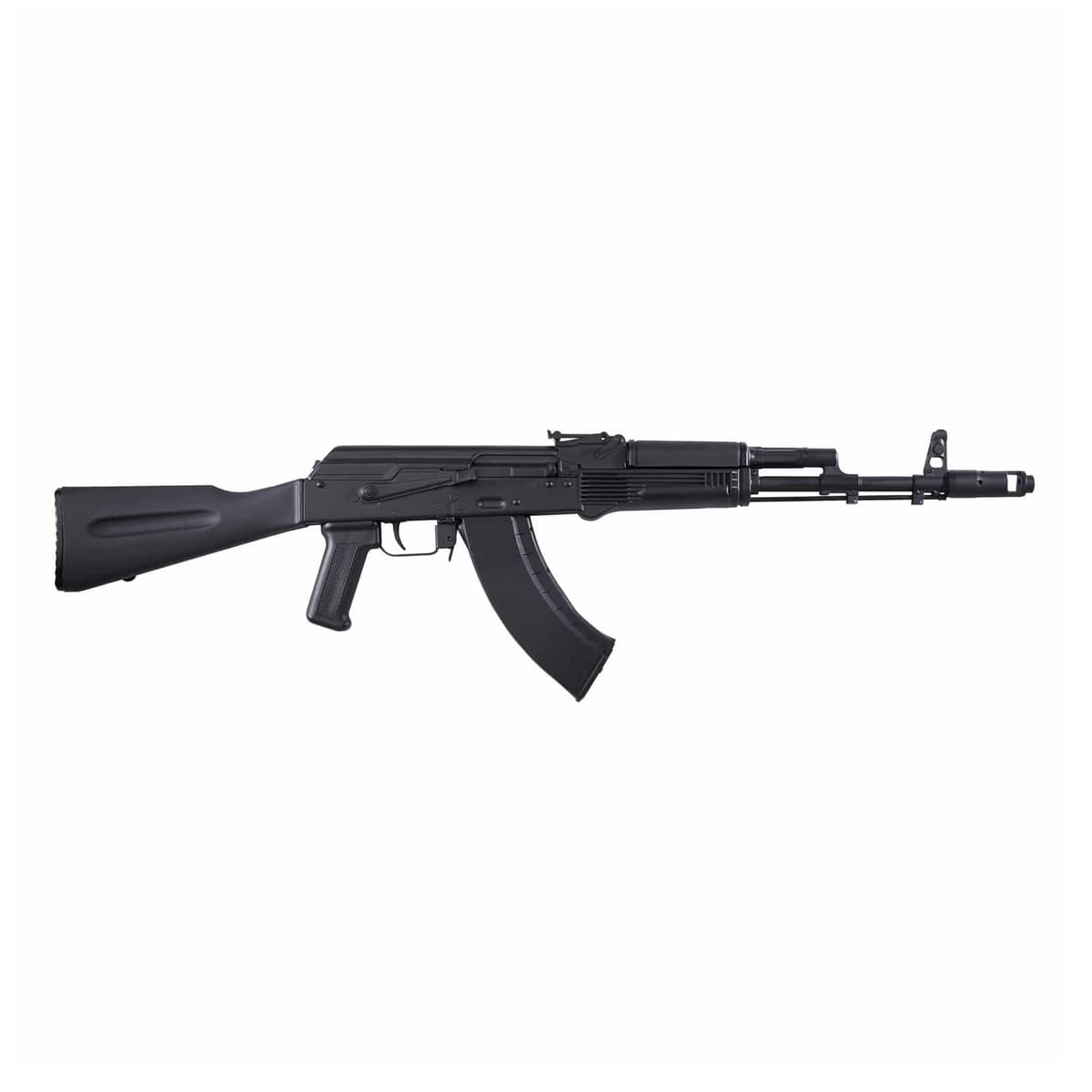
Kalashnikov USA
Kalashnikov USA KR-103
1 shared compatibility tags
Palmetto State Armory
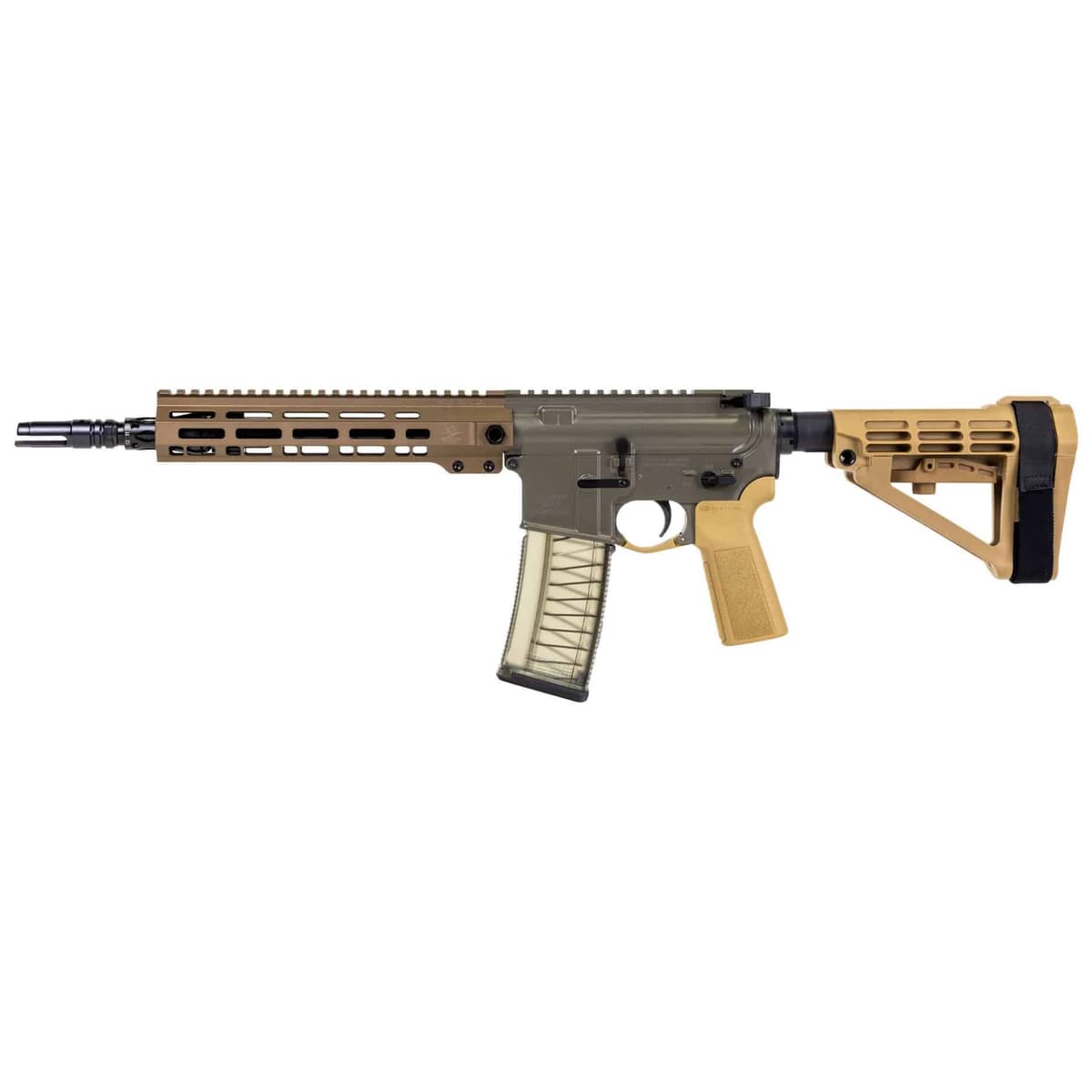
PSA Sabre-15 Forged 11.5" 5.56 Pistol
1 shared compatibility tags
Colt
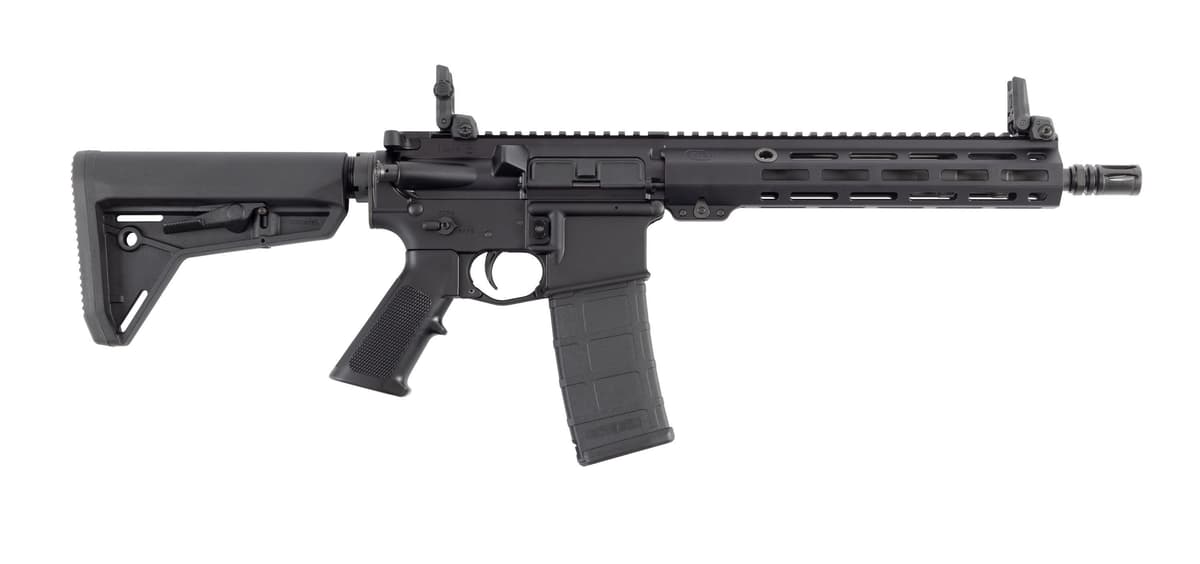
Colt EPR II Patrol 11.5" SBR (LE6933-EPRII)
1 shared compatibility tags
Similar Products

Compatible Platforms
Compatibility Tags
Build Your Custom Configuration
Add the Holosun HE503CU-GR Elite to your build and see how it enhances your platform.